PinoVMT
Two Device Tracking! | VR Full Body Tracking Tutorial For Standalone Quest & PCVR - PinoFBT
Uploaded by Auto-imported
About PinoVMT
PinoVMT is easy to install as an overlay on SteamVR to avoid hassle installation of VMT (virtual motion trackers) on Github.
1. If you installed the VMT windows application before, uninstall it first.
2. Calibrate Playspace: Reorient the Room's orientation no matter in SteamVR or games.
3. Feet Stick: Prevent feet sink/float into ground. (Only work with PinoFBT 2.0 on iOS)
4. It supports SteamVR games that support full body tracking, eg. VRChat, Blade and Sorcery, Dance Dash...
5. It supports "Auto Scan for Headset / PC IP" on PinoFBT 2.0 (v1.1.0 or later). Tap the Auto Scan button, it will automatically get the PC IP when PinoVMT is running with SteamVR.
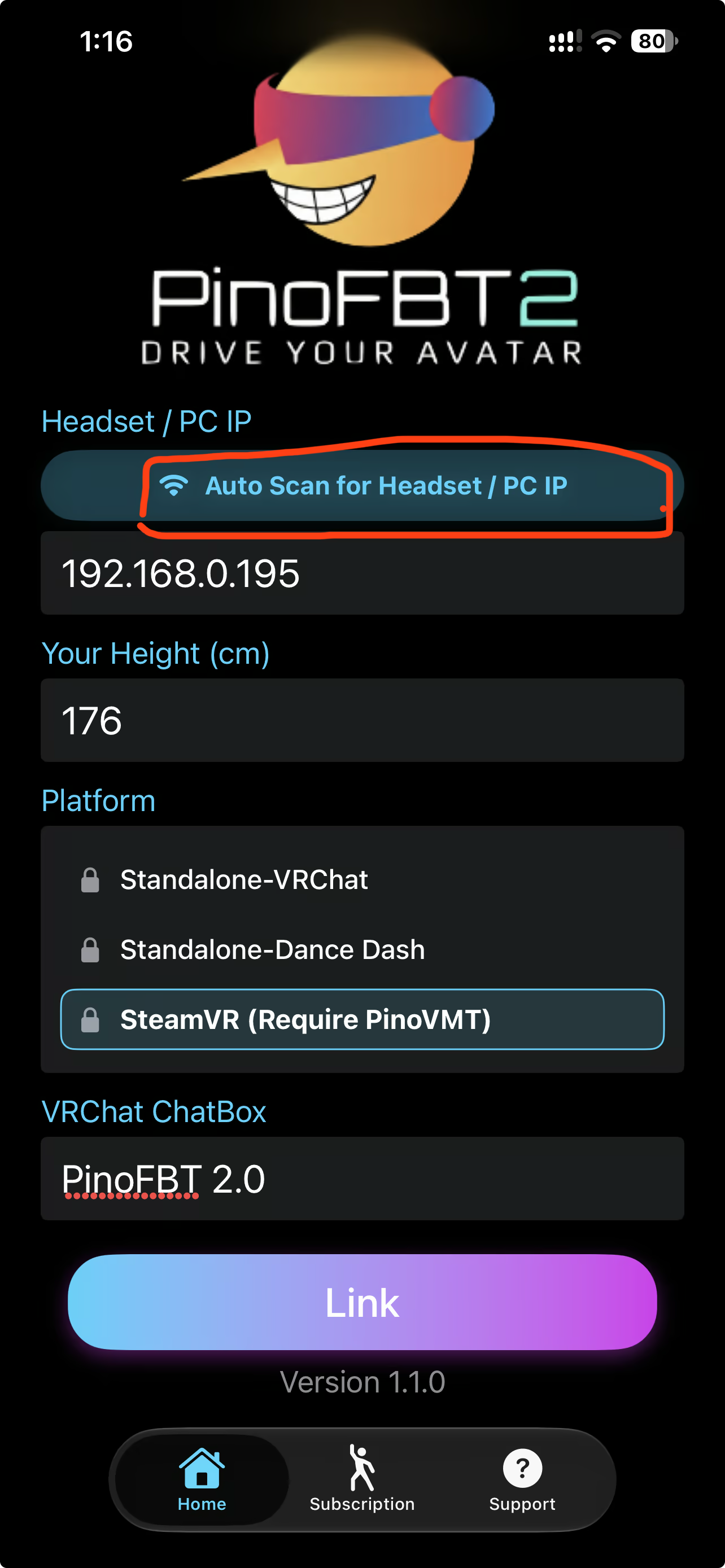
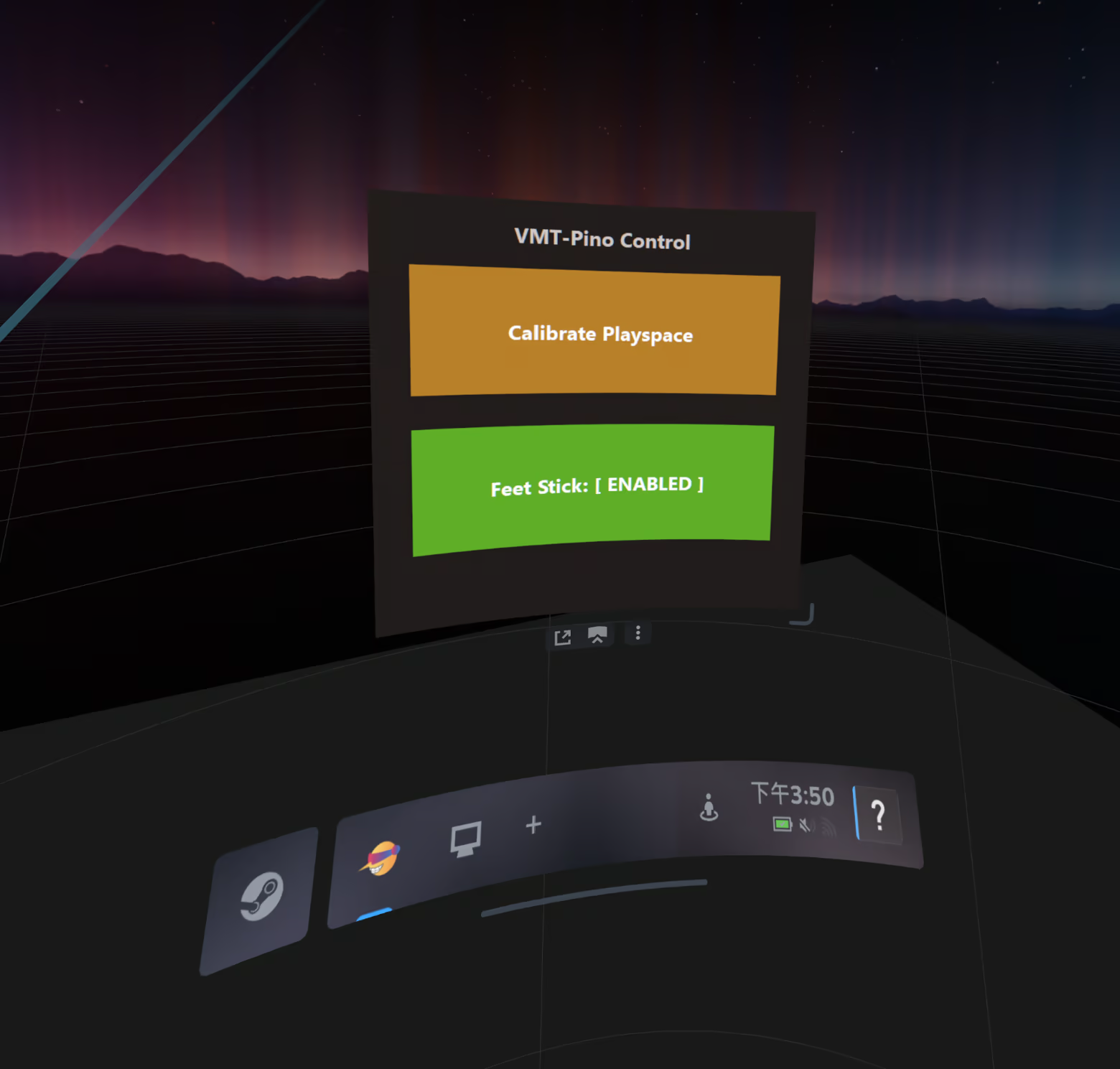
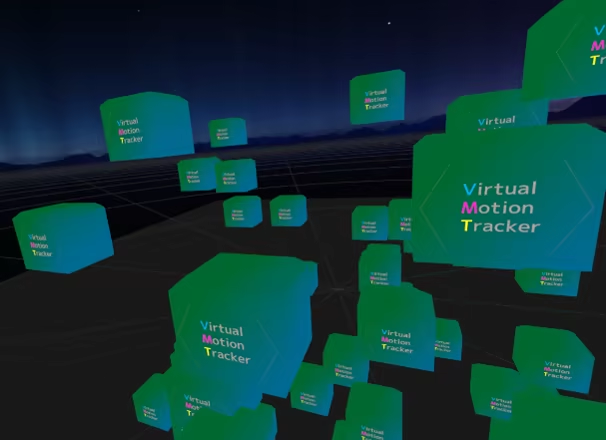
Screenshots
System Requirements
PC
Minimum
Minimum: Requires a 64-bit processor and operating system OS: Windows 10 64-bit Processor: Intel Core i5-4590 / AMD FX 8350 Memory: 4 GB RAM Graphics: NVIDIA GeForce GTX 970 / AMD Radeon R9 290 Storage: 10 MB available space Additional Notes: Requires SteamVR
Recommended
Recommended: Requires a 64-bit processor and operating system OS: Windows 11 64-bit Processor: Intel Core i7-7700K / AMD Ryzen 5 2600 Memory: 8 GB RAM Graphics: NVIDIA GeForce RTX 2060 or better Storage: 10 MB available space Additional Notes: Requires SteamVR and a local 5GHz Wi-Fi network
Mac
Minimum
Minimum:
Recommended
Recommended:
Linux
Minimum
Minimum:
Recommended
Recommended: